How it works

Three seconds to your answer

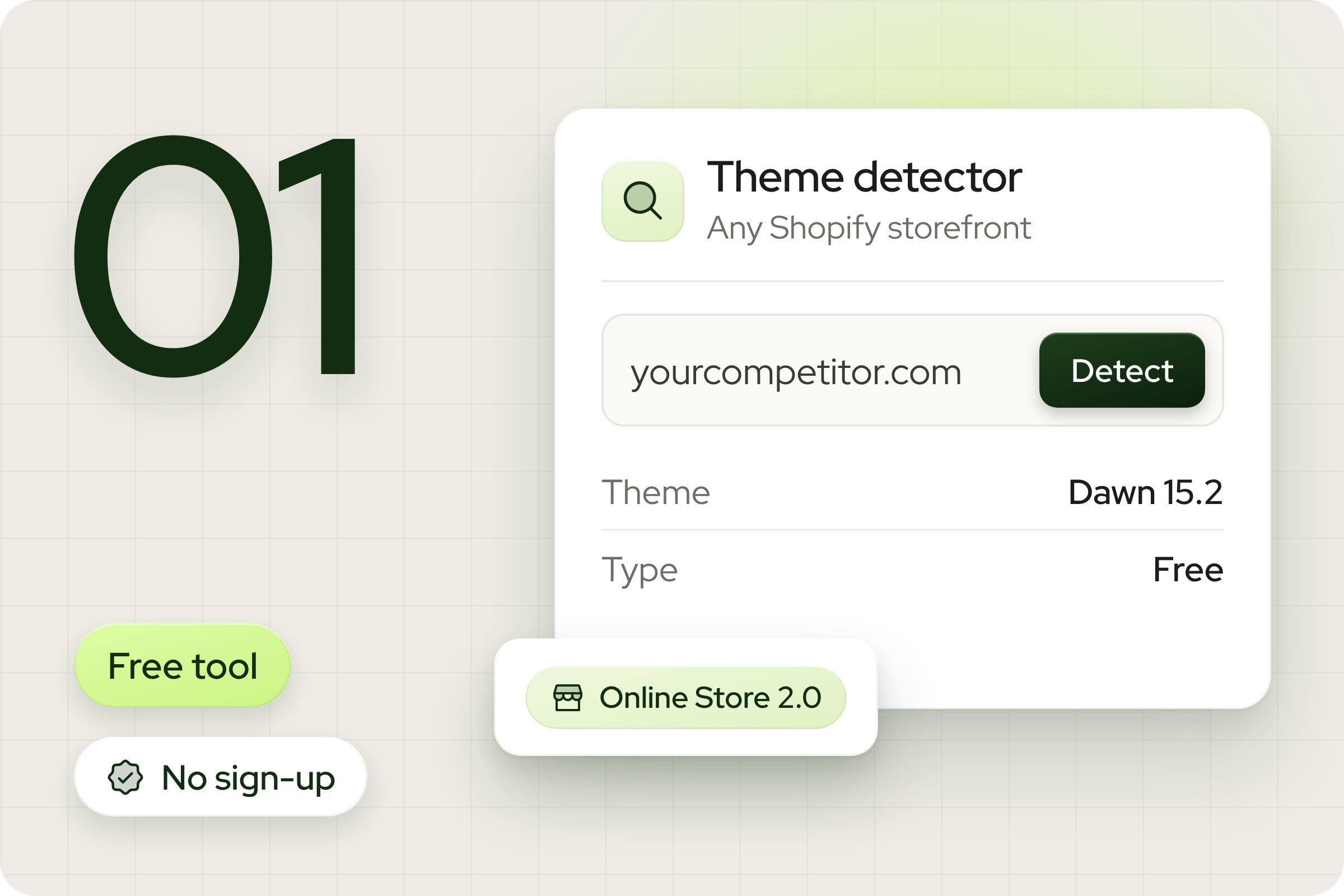
No signup. No install. Just paste a URL and our tool scrapes the public Shopify theme data to surface everything you need to know.
Popular themes

Used by top DTC brands

Dawn
Shopify Default
Prestige
Maestrooo
Impulse
Archetype Themes
Turbo
Out of the Sandbox
Debut
Shopify Legacy
Motion
Archetype Themes
Expanse
Archetype Themes
Symmetry
Clean Canvas
Broadcast
Invisible Themes
Flex
Out of the Sandbox
Pipeline
Groupthought
Custom
Bespoke build
The basics

Best Shopify Themes In 2026

The method

How A Shopify Detector Works

The purpose

What Shopify Theme Is This?

FAQ

Do you have any questions left?

Here are the answers for you

How does the Shopify theme detector work?

Paste any Shopify store URL into the tool, and it reads the store's public source code to identify the theme. Within seconds you'll see the theme name, version number, and whether it's a free, premium, or custom-built theme. No login or install required.

Is it free?

Yes, completely free. No signup, no email gate, no usage limits. Check as many Shopify stores as you want, as often as you want.

Does it work on every Shopify store?

It works on any live Shopify store, including those using custom domains. The only exception is stores that are password-protected or not yet published, since the tool needs access to the store's public-facing code.

Can I detect a custom Shopify theme?

Yes. If a brand has built a bespoke custom theme, our tool will still reveal the theme handle and ID. The theme name may be a custom label set by the developer, rather than a Theme Store name, but you'll see what's there.

What's the theme version number for?

The version number tells you how up-to-date a store's theme is. Theme developers release updates for performance, security, and new features. If you're comparing themes or evaluating a purchase, the version number helps you confirm whether a store is running the latest release or an older build.

Why do I need to know a competitor's Shopify theme?

It gives you a shortcut to understanding their design decisions. Instead of guessing why a competitor's store feels faster or converts better, you can identify the exact theme they're using, research its features, and decide whether it's worth adopting or building on for your own store.

Will this tell me the conversion rate of a store?

No - conversion rates are private data that only the store owner can access. This tool identifies the theme, not performance metrics. However, knowing which themes top-performing stores use can inform your own design and CRO decisions. If you want to improve your conversion rate, check out our free CRO audit.

How do I find out what Shopify theme a store is using without a tool?

Open the store, view the page source (Cmd + Option + U or Ctrl + U) and search for Shopify.theme. The name, schema_name and schema_version fields are the theme. A theme_store_id number means an official Theme Store theme; null means it was not installed from the Theme Store (custom, bought elsewhere or uploaded as a file).

Does it show whether the theme is free, paid or custom?

Yes. An official theme name with a Theme Store ID is free or paid (the Theme Store page shows the price). A name that does not exist on the Theme Store is a custom build. The result card labels the type next to the name.

Can it detect the theme of a headless Shopify store?

No. Headless stores (Hydrogen, Next.js and similar) do not use a Shopify theme at all, so there is nothing to detect. The tool will show the store as Shopify where possible and the theme as missing.

Is there a Chrome extension?

Not needed. The tool runs in the browser from this page, works on desktop and mobile, and needs no account. Bookmark the page and paste the URL whenever you need it.

Can I use the same theme as another store?

Yes. Anyone can buy or install the same Theme Store theme; a paid license covers one store. What you can't copy is their content: photos, copy and branding. And the theme alone won't give you their results.

The result

What your result means (and what it doesn't)

Every Shopify store falls into one of three buckets, and the detector tells you which one in the first line of the result card. Here is how to read it.

Your result 1

Official Theme Store theme

The theme name matches a theme sold on the Shopify Theme Store: Horizon, Dawn, Prestige, Impulse, Turbo and so on. The store bought (or installed for free) the same theme you can get today. The version number shows how recent their build is; a store two major versions behind is often running a lot of custom code on top and has stopped updating.

What it means for you: you can reproduce the layout for the price of the theme. What you cannot reproduce is the settings, the apps and the custom sections the brand added, and that is normally where the conversion rate lives.

Your result 2

Customized official theme

The name is an official theme, but the version is old or the name carries a suffix: "Impulse - Copy 3", "Dawn (Weblics PDP test)", "Prestige-live-oct". A developer has duplicated the theme and edited it. Most established DTC brands we audit sit here: the base is bought, the money pages are rebuilt.

What it means for you: the theme name is a starting point, not the answer. Look at the product page, the cart and the checkout upsells separately; those are the parts that were changed.

Your result 3

Custom-built theme

The result shows a name you cannot find on the Theme Store, or something like "GS2", "Hydra", "Live theme" or the brand's own name. The store has a bespoke theme built by an agency or an in-house team. Headless stores (Hydrogen or another front end over the Shopify backend) land here too: the theme row comes back empty or custom.

What it means for you: there is nothing to buy. If you like the store, the only path is to understand which elements do the selling and test them on your own theme.

Tip

Paste three or four competitors in a row. If they all run the same official theme, the theme is not their edge. If they are all custom, the edge is in the work on top of it.

Want to know which parts of a store actually do the selling?That's what our free CRO audit looks at: the product page, the cart and the offer, not the theme. Not ready to talk yet? Get the audit first.
Get the free CRO audit
HorizonFree, Shopify

Shopify's newest free theme family and the one most new stores now start on. Built on nested blocks, so sections are easy to rebuild. Check mobile speed once you add your sections.

DawnFree, Shopify

The Online Store 2.0 default for years. Fast, light, and a great base for a custom PDP because every section is editable. If your store already runs a customized Dawn, there is no reason to switch just for the sake of it.

PrestigePaid, Maestrooo

Built for premium brands with few SKUs and strong photography. Large imagery, editorial layouts, heavier pages, so watch speed.

Impulse, Motion, ExpansePaid, Archetype

The workhorses of mid-size DTC. Good promo and collection tooling, mature settings, easy to hire developers for.

Turbo and FlexPaid, Out of the Sandbox

Big catalogs and speed. Turbo is a safe choice for 500+ SKU stores.

Symmetry, Broadcast, PipelineClean Canvas, Invisible Themes, Groupthought

Strong for lifestyle and apparel brands that sell with storytelling sections.

CustomAgency or in-house

Where many of the biggest stores end up once the theme becomes the bottleneck. Expensive, and only worth it after the funnel is tested.

How to choose: pick for speed and section flexibility, not for the demo store. Then do the real work, which is testing the product page, the cart and the offer on that theme. Paste any store above to see what it runs.

Do it yourself

How to find a Shopify theme manually (without a tool)

The detector reads the same data you can read yourself. If you want to double-check a result, or the tool is down, here are the three ways that work in 2026.

Read the page source

  1. Open the store in Chrome and press Cmd+Option+U. The page source opens in a new tab.
  2. Press Cmd+F and search for
  3. You will see a line like this:
Shopify.theme = {"name":"Impulse","id":123456789, "schema_name":"Impulse","schema_version":"7.2.0", "theme_store_id":857,"role":"main"}
  • name is what the merchant called the theme, schema_name is what the developer called it, schema_version is the theme version.
  • theme_store_id is the one that matters: a number means the theme was installed from the Theme Store. null means it wasn't: a custom build, a theme bought outside Shopify (ThemeForest, for example) or a file uploaded by a developer.

Check the Theme Store ID

If theme_store_id is a number, open themes.shopify.com/themes and search the schema_name. The theme page shows the price, the developer and the demo stores. If the name is not there, the theme was removed from the store or it is a private build.

Look at the asset files

In the page source, search for . Official themes load a predictable set of files (Dawn, for example, loads base.css). Oddly named bundles and hashed file names usually point to a custom build or a heavy rebuild. Treat this as a hint, not proof: theme_store_id is the reliable signal.

The detector does the first two steps for you and shows the result in one card. The manual route is useful when you want the raw theme_store_id or when a store blocks automated requests.

Troubleshooting

Why the detector may not find a theme

Five reasons cover almost every "Not detected" or empty result.

Many DTC brands that look like Shopify run WooCommerce, BigCommerce or a custom stack. Quick check: add to the store URL. A Shopify store returns a JSON list of products; anything else returns a 404 or a normal page. You can also search the page source for cdn.shopify.com.

The detector reads the public storefront. A password page has no theme data in it. Come back when the store is live.

Brands on Hydrogen, Next.js or another custom front end serve their own HTML. The Shopify backend is there, the theme is not. The result card shows the store as Shopify where it can and the theme as custom or missing. There is nothing to detect: there is no theme.

The name is still readable, but the version or the name looks odd ("Dawn 2", "theme-live-final"). The result is correct; the store just renamed its copy.

Some stores sit behind Cloudflare rules that reject non-browser traffic. Use the manual method above; your own browser is never blocked.

If none of these fit and you still get no result, send us the URL through the chat and we will check it by hand.

Same tool

Theme checker, theme finder, "what Shopify theme is this?": one tool, many names

People search for this tool under a dozen names. They all mean the same thing: paste a URL, get the theme.

Shopify theme checker

Use it to check your own store after a developer handover: the result shows the exact theme name and version that is live, so you can confirm the right copy was published.

Shopify theme finder

Use it on stores you admire. Find the theme, open it on the Theme Store and see the demo, the price and the developer before you buy.

"What Shopify theme is this?"

The question most people type into Google. The answer takes one paste: the theme name is the first line of the result card. No extension, no account.

Is this site on Shopify?

Not sure the store runs on Shopify at all? Paste it anyway: the result tells you before it tells you the theme.

Shopify theme and app detector

This tool reads the theme. For apps, look at the page source for /apps/ and cdn.shopify.com/extensions/ paths, or ask us: we map the full app stack as part of every store audit.

Whatever you call it, the data comes from the same place, the public Shopify.theme object on the storefront, and the result is the same.